
Co-op
Roblox cross-play co-op multiplayer for Dino Hunters — host 1-4 player squads, share rare dinos, and tackle seasonal events together.
Introduction
Dino Hunters supports online co-op multiplayer through Roblox. Team up with friends to share rare dinosaurs, take on boss fights, complete seasonal events, and climb the global leaderboards together.
Co-op Multiplayer Modes
| Squad Size | Mode | Best Targets | Coordination |
|---|---|---|---|
| 1 | Solo Hunter | Raptors, juvenile dinosaurs | Single-player AI pathing |
| 2 | Duo Fireteam | Allosaurus, Triceratops | Cover and flank protocol |
| 3 | Trio Strike | Spinosaurus, ankylosaurus | Flank + suppress roles |
| 4 | Squad Apex | T-Rex, alpha targets | Full role specialization |
Core Mechanics
How co-op multiplayer works in Dino Hunters — party size limits, shared progression, raid mechanics, and boss fight coordination strategies.
Advantages
Co-op multiplayer in Dino Hunters lets you borrow rare dinosaurs from friends, take down bosses you can't solo, and complete timed events for exclusive rewards.
Challenges
Co-op multiplayer requires other players — events and raids may be hard to complete during off-peak hours.
Frequently Asked Questions
How many players can join a co-op session?+
What is the ping wheel color protocol?+
How do revive timers work?+
What is the squad stash?+
Quick Tips
Invite friends through the Roblox party system, then start a private co-op session from the Dino Hunters main menu.
Up to 4 players per session. Co-op progress is shared and saved for all participants.
Boss fights require 2+ players minimum. Solo bosses exist but drop lower-tier rewards.
Trading rare dinosaurs between players is allowed in private sessions but not cross-server.
Voice chat is available through Roblox's built-in voice chat — enable it in Roblox settings first.
Featured
Dino Hunters Cross-Play Setup: Play With Friends on Any Roblox Device
Complete Dino Hunters cross-play guide for Roblox. Connect PC, Mobile, Xbox, and VR players in the same server, fix invite issues, and optimize for each platform.
Dino Hunters Roblox Party System & Friend Invite: Squad Up the Right Way
Master the Roblox party system in Dino Hunters. Send friend invites, manage party roles, control party chat, and troubleshoot invites that fail.
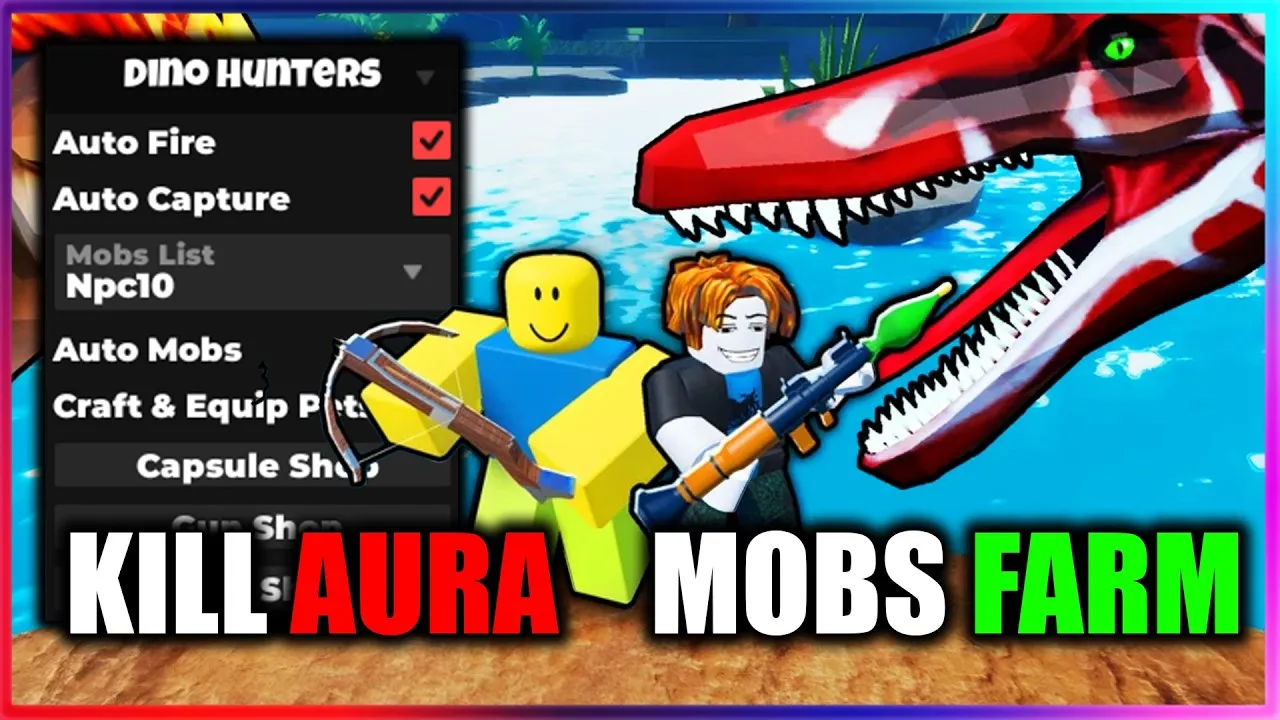
Dino Hunters Private Server Hosting: Create a Roblox Friends-Only Server
Host a Dino Hunters private server via Robux. Configure access, control biome settings, manage member permissions, and lock down your squad's grind.
All Articles
Dino Hunters Co-op Dinosaur Hunting Tactics: Role-Based Squad Play
Tactical co-op dinosaur hunting in Dino Hunters. Tank, DPS, Support, and Flex role assignments, target priority chains, capture sequencing, and biome-by-biome squad tactics.
Dino Hunters Roblox Voice Chat Setup: Verify, Enable, and Use Voice in Squads
Set up Roblox voice chat for Dino Hunters. Complete the age verification, enable the mic, configure push-to-talk, mute toxic players, and troubleshoot voice issues.